PHOTOSHOP:
SELECTIONS AND LAYERS
TASK: Using basic selection tools, create the dog of your dreams
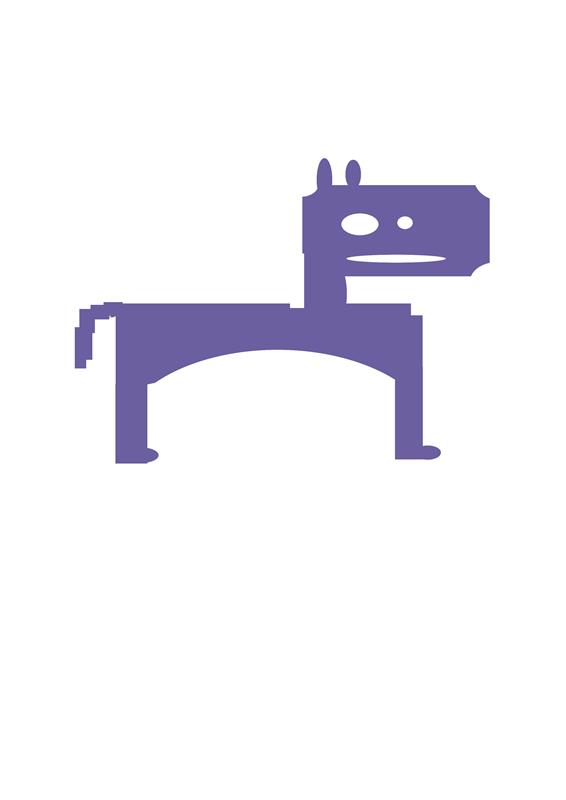
TASK: Open a phot in photoshop and use the 3 also tools to select > copy > paste the same element each time
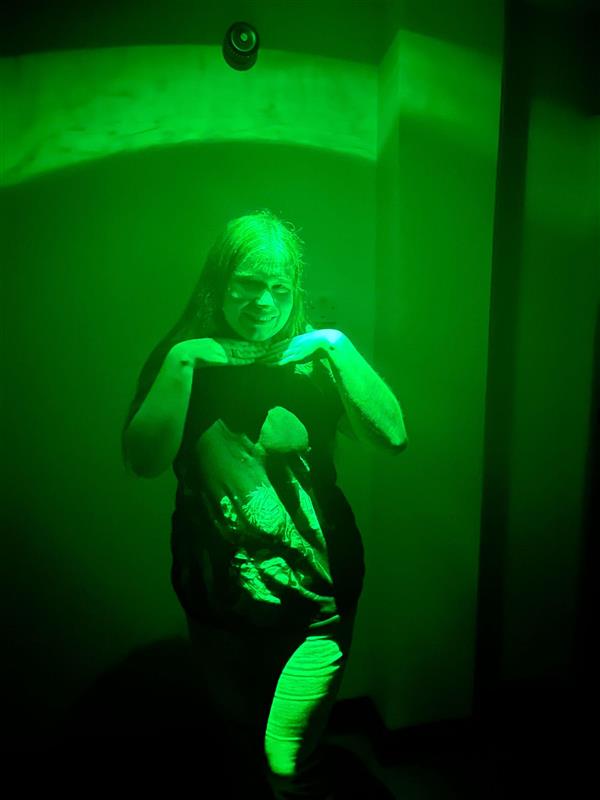
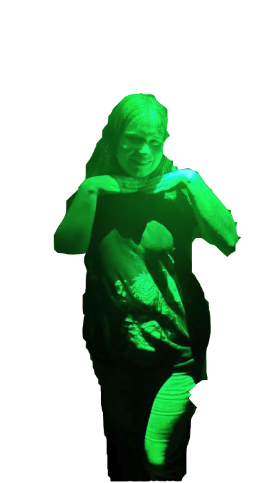
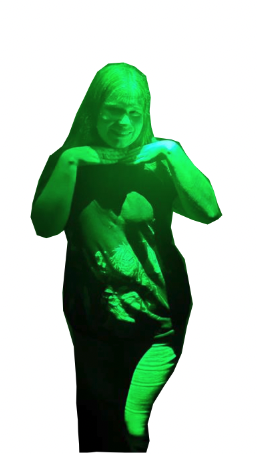
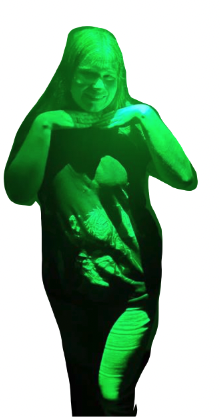
magnetic lasso tool. polygonal lasso tool. lasso tool.
TASK: Using selection tools, create a silkscreen-esque image using 2 colours-where they overlap creating a third colour

SCANNING AND COLOUR RANGE
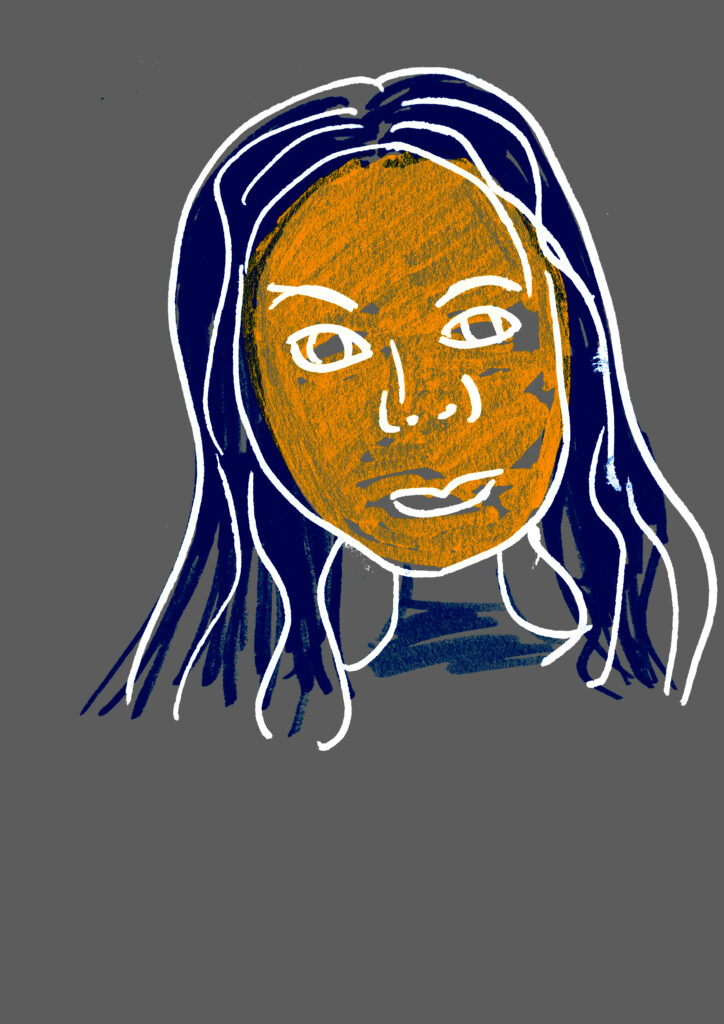
TASK: Using bold, black, definite lines, QUICKLY draw a self portrait. At the same scale, using black or dark marks, addd tone/colour blocks on a separate piece of paper. Scan both at same resolution


InDesign:
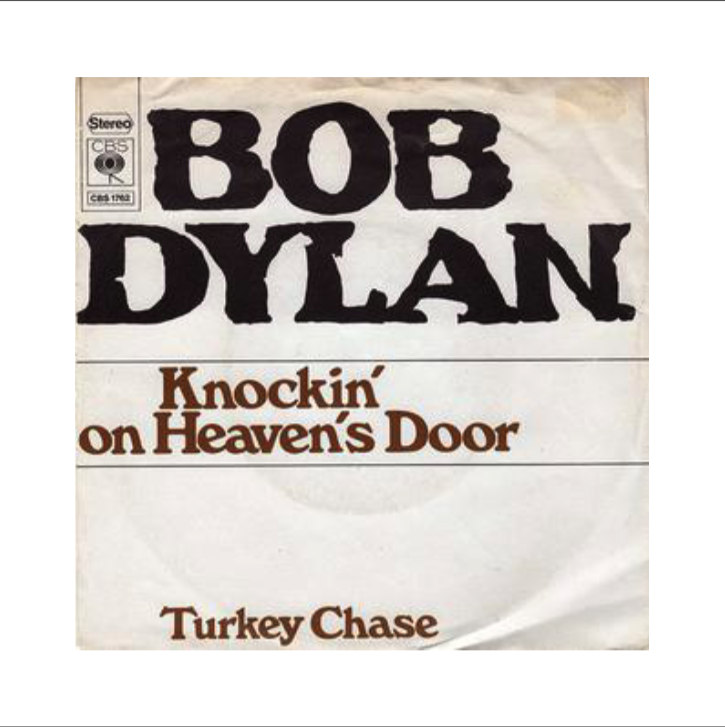
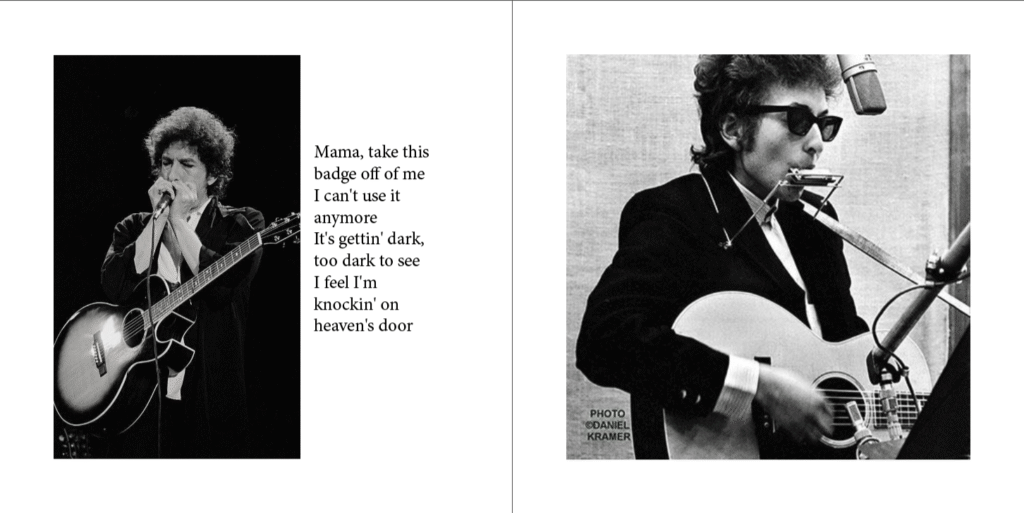
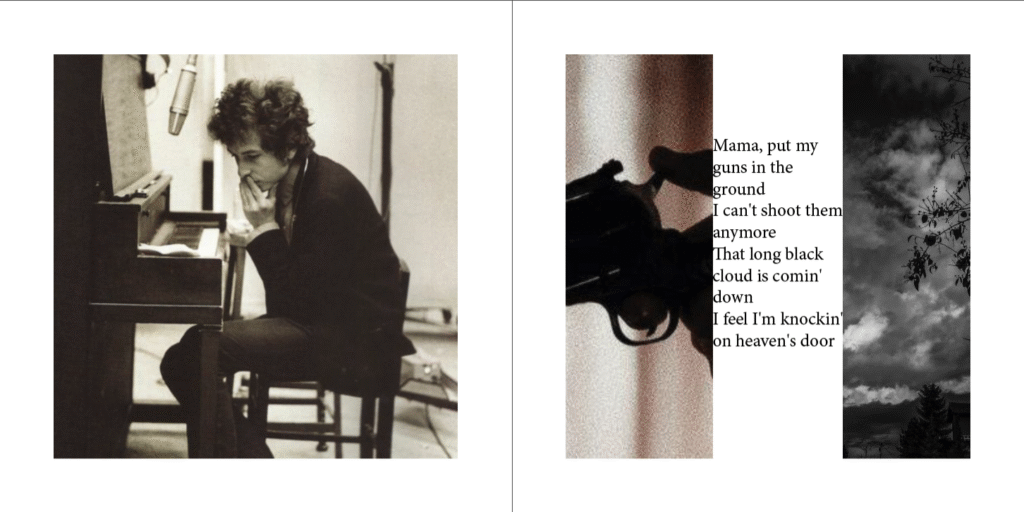
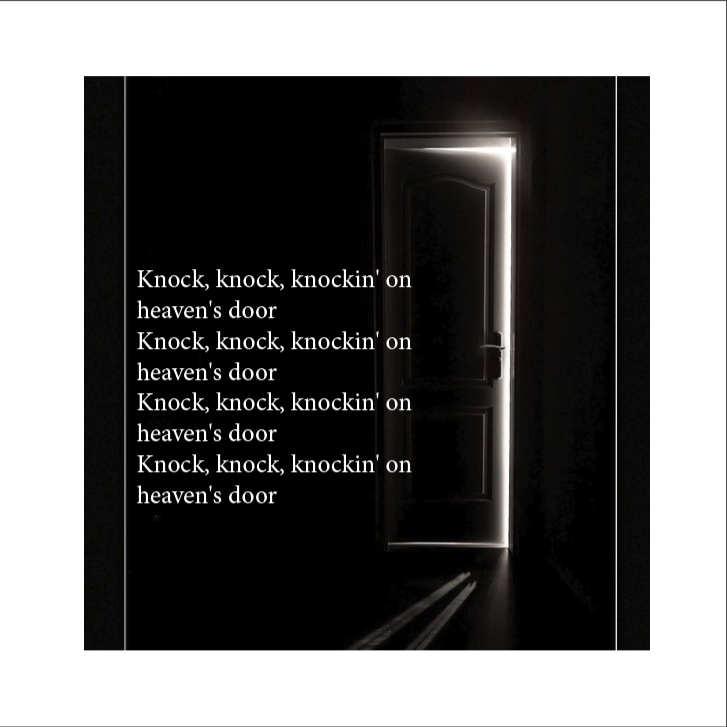
TASK: Choose a song lyric as your text, Gather a collection of at least 10 images that relate to chosen lyrics. Create a CD inlay that presents the lyrics and images across 8 or 12 pages.

ILLUSTRATOR
Task: Create a Draplin-style logo,
Pick a simple object (like an apple, cup, boot, or skull0 and create a logo/minimalist illustration based on that item
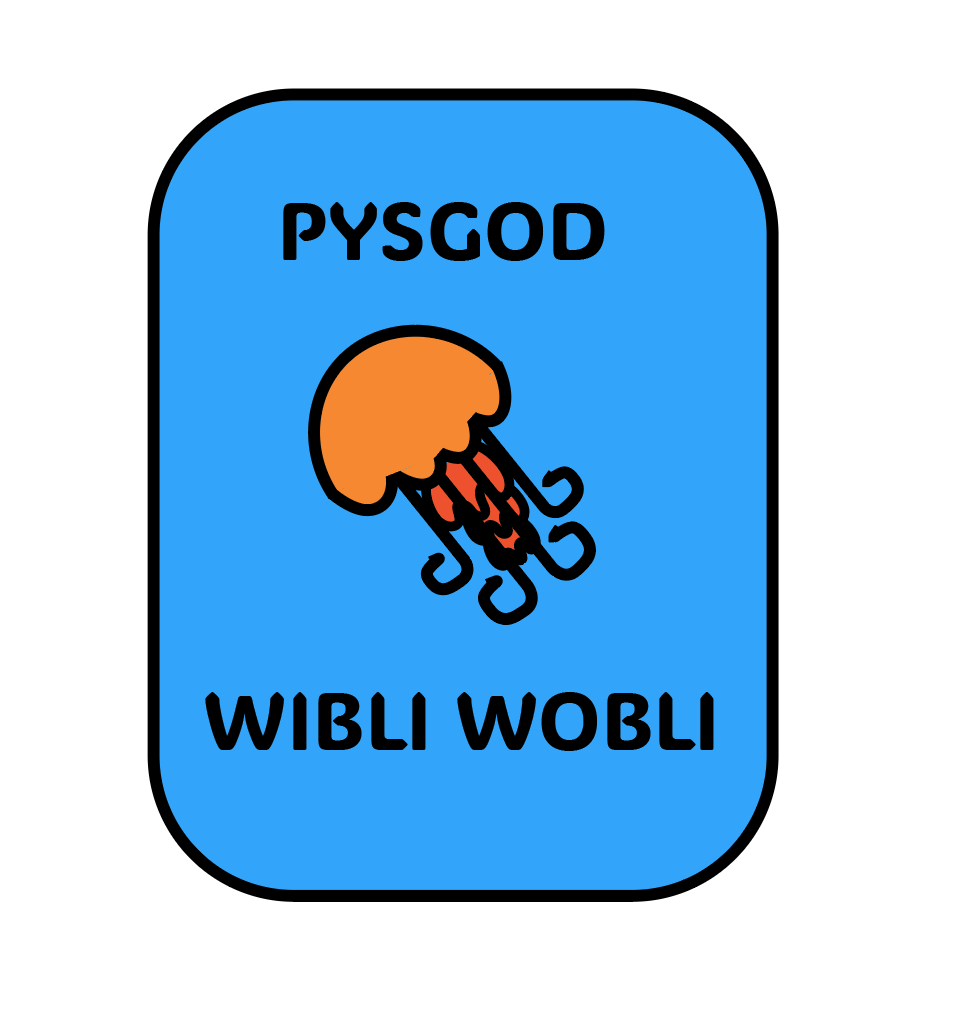
TASK: Create logos for unlikely businesses
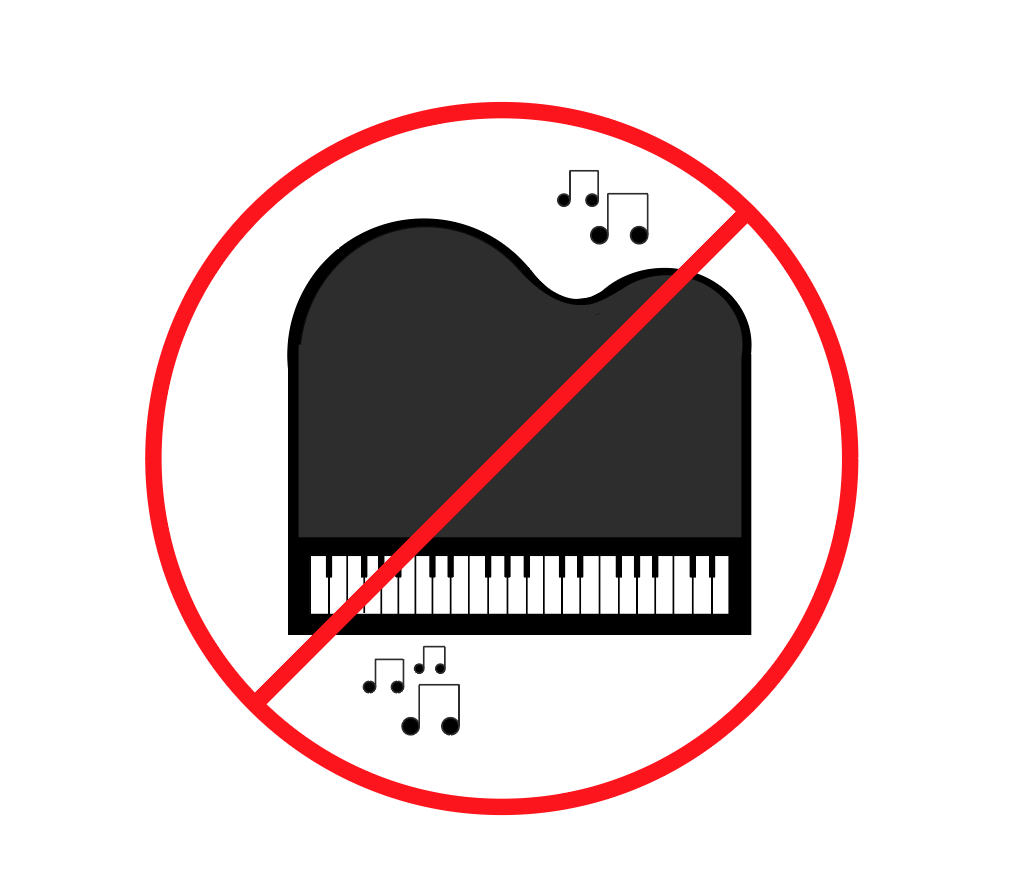
Company 9, Pia-NO: Is someone play crap piano in the canteen at lunchtime? Pia-NO is the answer your looking for
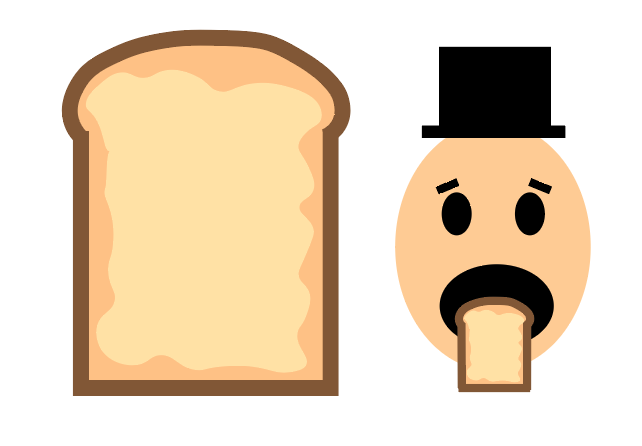
Company 1, Buttery: Pre-buttered bread for the modern professional who simply doesn’t have time to waste
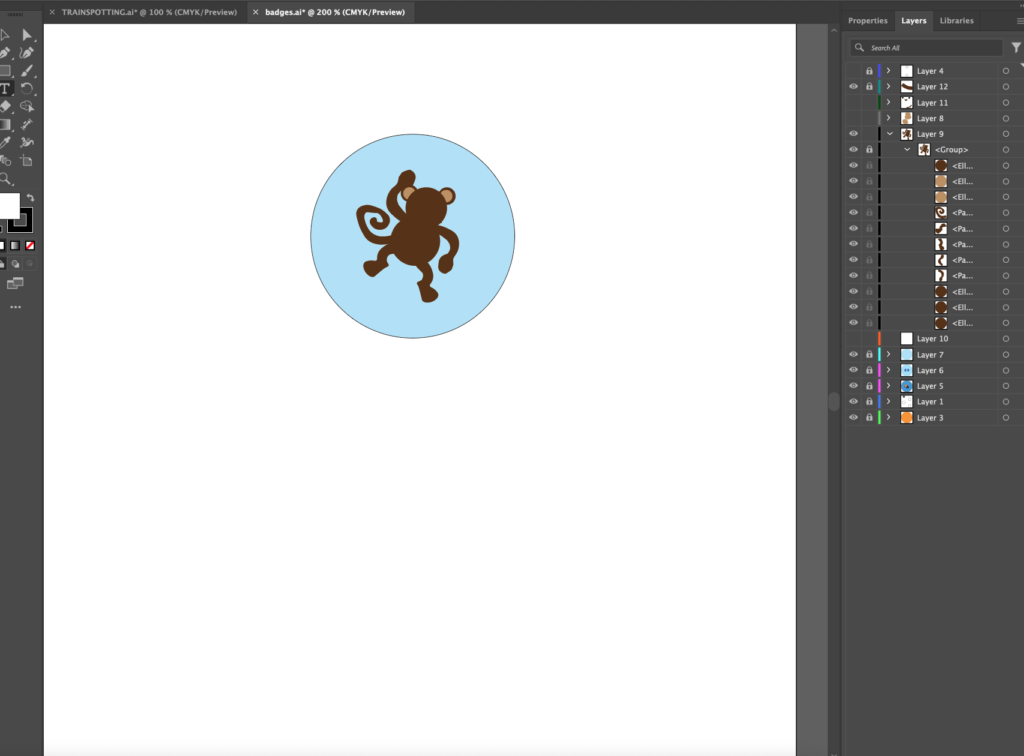
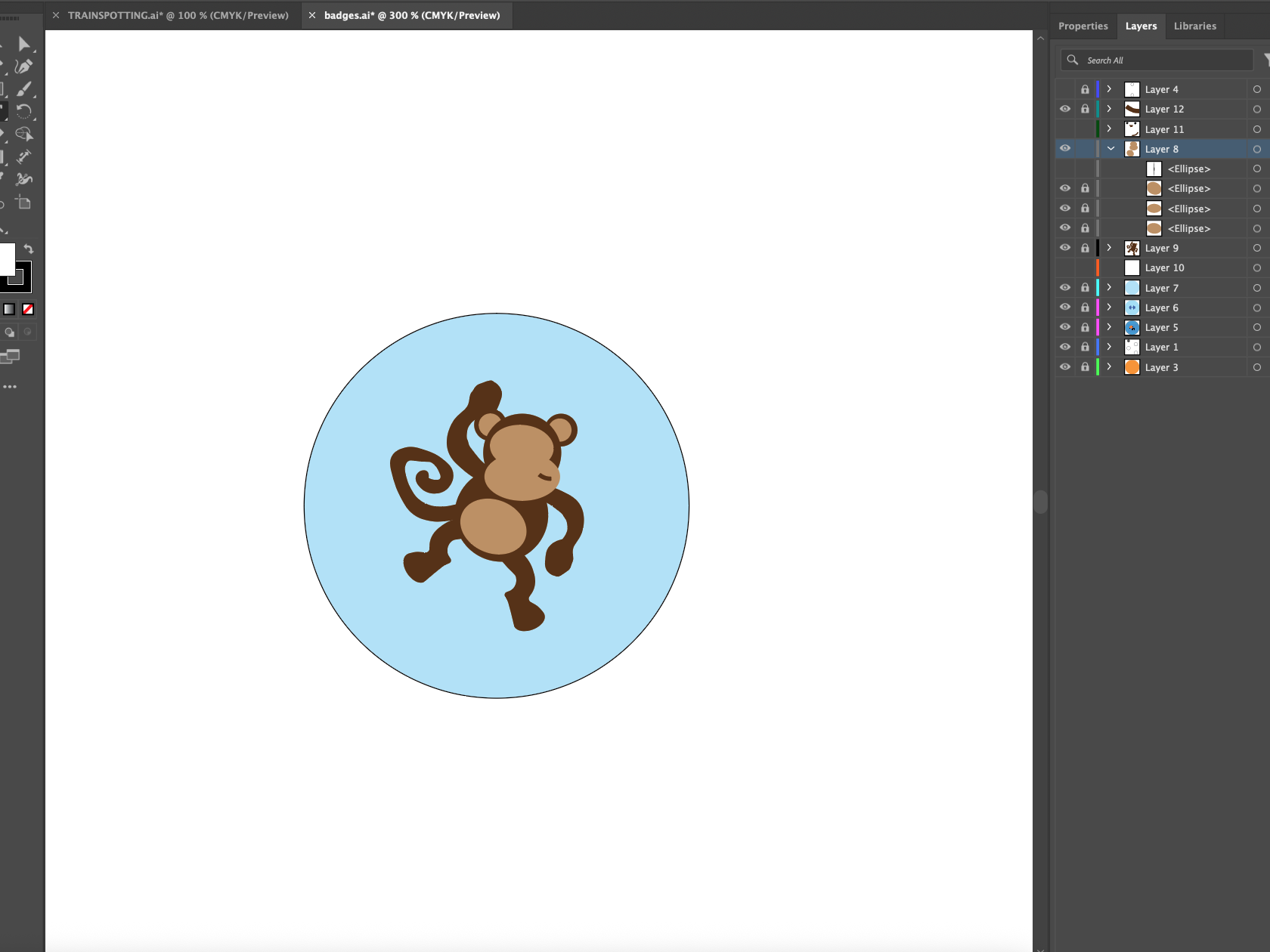
BADGES
TASK: Using illustrator to design pin badges that act as an introduction to yourself